
Have you ever searched for something on Google and clicked on one of the first results? Most people do this every day when looking for products, services, or answers to their questions. But have you ever wondered why some websites appear at the top of search results while others appear much lower?
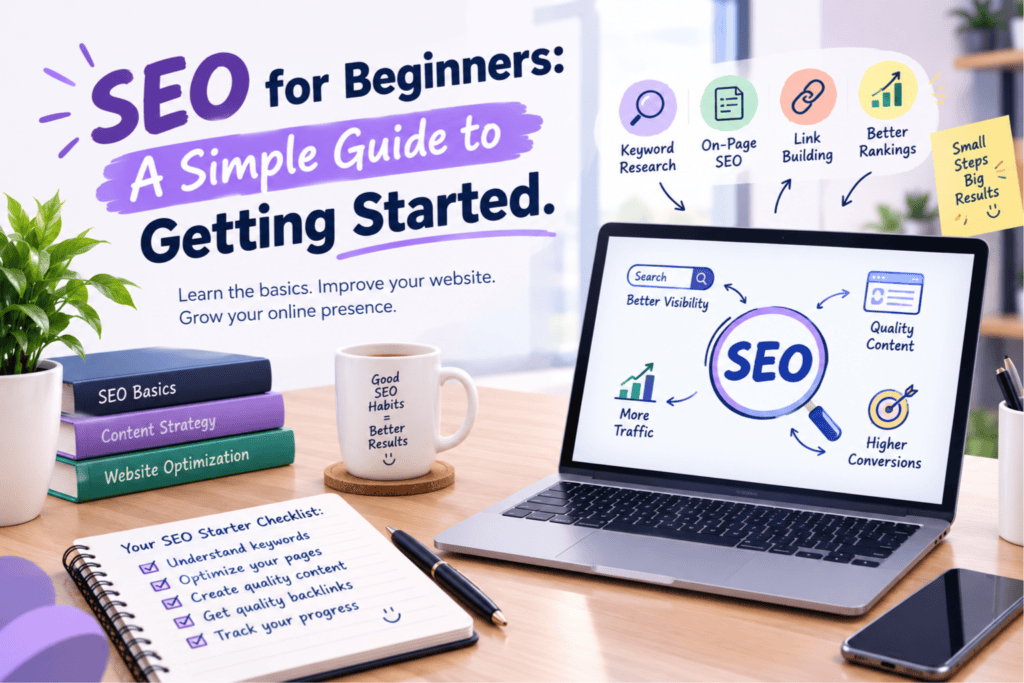
The answer is often Search Engine Optimization (SEO).
SEO is an important part of digital marketing that helps websites get more visitors from search engines. If you have a website or blog and want more people to find it online, learning SEO is a great place to start. The good news is that you do not need to be a technical expert to understand the basics.
In this guide, we will explain SEO in simple words and show you how to get started.
What Is SEO?
SEO stands for Search Engine Optimization. It is the process of improving a website so that search engines like Google can understand its content and show it to people searching for related information.
The main goal of SEO is to bring the right visitors to your website without paying for every click.
Why Is SEO Important?
SEO helps people discover your website when they search for information related to your business or blog.
Here are some important benefits of SEO:
- More website visitors: Better search visibility can bring more people to your website.
- Better online visibility: SEO helps your website appear for relevant searches.
- Builds trust: People may see websites that appear in search results as useful and reliable.
- Helps attract customers: SEO can connect your business with people who are already looking for your products or services.
- Long-term value: Well-maintained content can continue to attract visitors over time.
SEO takes time and regular effort, but it can become a valuable part of your online growth.
1. Start With Keyword Research
Keyword research is one of the first steps in SEO. It means finding the words and phrases people type into search engines when looking for information.
For example, if you run a digital marketing blog, your keywords might include:
- What is digital marketing?
- SEO tips for beginners
- Benefits of digital marketing
- How to improve website ranking
Choose keywords that match your website and what your audience wants to know.
You can use tools such as Google Keyword Planner and Google Trends to explore search terms. Try to understand what people are looking for before choosing a keyword.
Avoid adding the same keyword too many times. Use it naturally in your content.
2. Create Helpful and Useful Content
Content is an important part of SEO. Search engines aim to show users helpful information that answers their questions.
When writing a blog post, focus on solving a problem or explaining a topic clearly. Use simple words, short paragraphs, and headings to make your content easy to read.
For example, if your topic is SEO for beginners, explain the basic steps instead of using too many technical terms.
Your content should be original, accurate, and useful. Avoid copying content from other websites because it does not help you build a strong website.
3. Improve Your On-Page SEO
On-page SEO means improving the content and elements on your website pages so that search engines and visitors can understand them easily.
Here are a few basic steps:
- Title tag: Write a clear page title that describes the topic.
- Meta description: Add a short summary that explains what readers will find on the page.
- Headings: Use headings to organize your content.
- URL: Keep your page URL short and easy to understand.
- Images: Use relevant images and add descriptive alt text.
- Internal links: Link to other useful pages on your website.
These steps can help search engines understand your pages and make your website easier to use.
4. Make Your Website Mobile-Friendly
Many people browse the internet using smartphones. If your website is difficult to use on a small screen, visitors may leave without reading your content.
Make sure your website works well on mobile devices. Text should be easy to read, buttons should be simple to click, and pages should load quickly.
A mobile-friendly website creates a better experience for visitors and supports your SEO efforts.
5. Improve Website Speed
People do not like waiting for a website to load. Slow pages can make visitors leave before they find what they need.
You can improve website speed by compressing large images, removing unnecessary plugins, using good hosting, and reducing unnecessary scripts.
You can also use Google’s PageSpeed Insights to check your website performance and find areas that need improvement.
A faster website can provide a better experience for visitors, especially those using mobile internet.
6. Learn the Basics of Technical SEO
Technical SEO helps search engines find, crawl, and understand your website pages.
As a beginner, start with these simple tasks:
- Make sure important pages can be accessed by search engines.
- Create an XML sitemap.
- Check for broken links.
- Use HTTPS to secure your website.
- Avoid publishing multiple pages with the same content.
- Check whether important pages are indexed by Google.
You can use Google Search Console to check indexing issues, monitor search performance, and see how Google understands your website.
7. Build Quality Backlinks
Backlinks are links from other websites that point to your website. They can help search engines understand that your content is useful or worth referencing.
However, not all links are equally valuable. Focus on earning relevant links from trusted websites rather than buying spammy links or using tricks to increase link numbers.
You can attract backlinks by publishing useful guides, original research, helpful resources, and interesting content that other websites want to reference.
8. Track Your SEO Results
SEO is not a one-time task. You need to check your results and improve your website regularly.
Google Search Console can show which search terms bring visitors to your website, how often your pages appear in search results, and how many clicks they receive.
Google Analytics can help you understand website traffic and what visitors do after arriving on your site.
Use this information to identify successful pages, improve weak content, and find new opportunities.
How Long Does SEO Take to Show Results?
SEO usually takes time. You may notice improvements within a few months, but the timeline depends on your website, competition, content quality, and the work you do.
New websites may need more time to build visibility and trust. There is no guaranteed way to reach the top of Google overnight.
Focus on useful content, a good website experience, and regular improvements instead of looking for quick tricks.
Conclusion
SEO may seem difficult at first, but getting started is easier when you follow the basics. Begin with keyword research, create helpful content, improve your website pages, make your site mobile-friendly, and track your results.
Remember, SEO is not just about ranking higher on Google. It is about helping people find the right information when they need it.
With patience and regular effort, you can improve your website’s visibility, attract relevant visitors, and build a stronger online presence.
Start with small steps, keep learning, and give your website time to grow.
